
TnG Offset Master
Measure the part. Apply the right correction. Keep every result traceable. Offset Master reads each gauge result, decides against your control limits and writes the correct wear offset to the FANUC CNC through FOCAS2 / Ethernet, with every decision recorded.
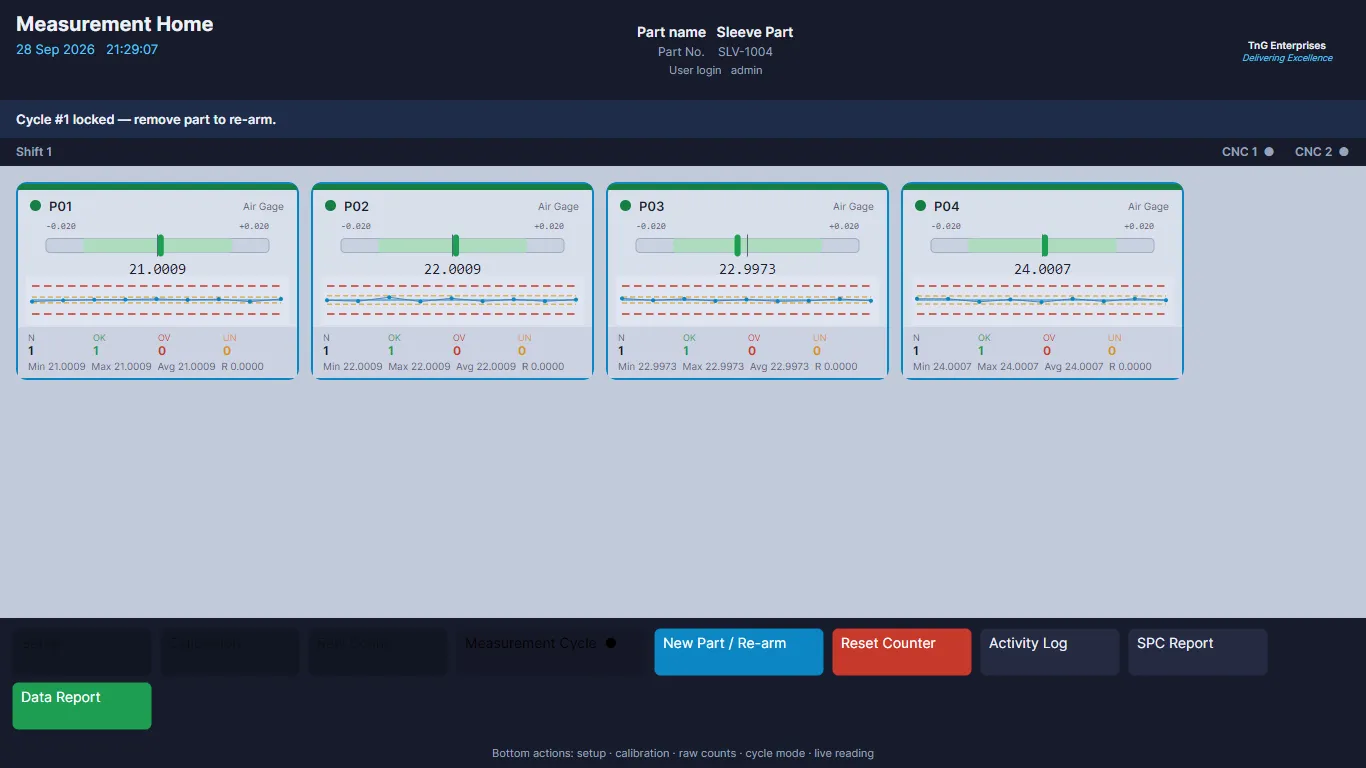
The offset correction gap
Manual interpretation
Operators must compare every value with nominal, tolerance and control limits.
Manual entry risk
Sign, decimal and offset-register mistakes can move the process in the wrong direction.
Delayed correction
During busy production, measurement and machine adjustment become disconnected.
Limited traceability
Paper notes cannot show the measurement, the decision and the CNC write history.
One complete correction loop
Precision gauge
Measures the component and creates the result file.
CSV intake
Watches the source folder and reads each configured parameter row.
Decision engine
Applies control limits, direction, frequency and clamp.
FANUC CNC
Writes the approved wear offset through FOCAS2 / Ethernet.
Quality record
Stores each measurement, result and correction outcome.
Correction logic that respects the process
Zero offset in the green zone
Inside the control limits, a zero correction is written and a stable process is left alone.
Correction in yellow or red
The system responds only after a control limit is crossed, using the configured direction and register.
Per-parameter setup
Nominal, tolerances, control limits, direction, CSV row and CNC offset register stay with each parameter of each part.
Maximum correction clamp
Large calculated corrections are limited to the configured maximum before the write.
Offset frequency
Write after every part, or after a selected number of measured parts.
Bad-file protection
Files without an alphanumeric part number are ignored, preventing repeated invalid results.
Operator and administrator access
Operators see live results, run the CNC test and export reports. Setup and user management stay with the administrator.
Safeguards and alerts
Test-CNC connection check, FOCAS return-code logging, and optional SMS / WhatsApp alerts for CNC failure, idle folder or repeated NG parts.
See the screens
Screens show demonstration data.
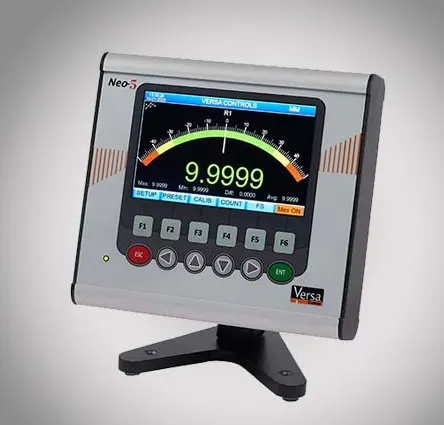
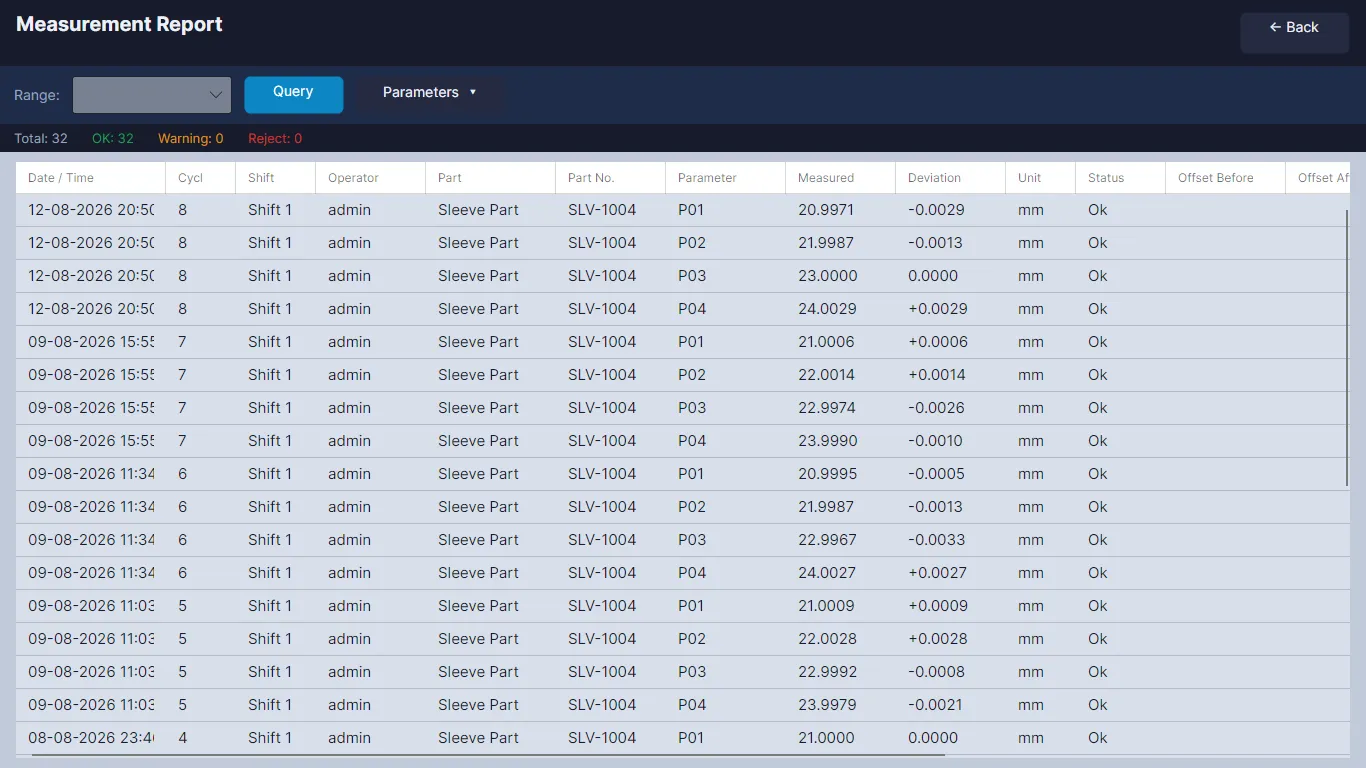
Every part leaves a usable quality record: the part number, source file and receipt time; the nominal, tolerance, control limits and measured value; the raw and clamped correction with its direction and register; and whether the CNC write succeeded, was skipped or failed, with the FOCAS return details.
Specifications
| CNC | FANUC, via FOCAS2 / Ethernet (wear offset write) |
|---|---|
| Gauge input | CSV watch folder, parameter-to-row mapping |
| Decision | Green / yellow / red control zones, direction, frequency, clamp |
| Application | Windows operator dashboard, correction engine, local database |
| Users | Administrator and operator accounts, protected setup |
| Records | Inspection history, correction and activity logs, CSV export |
| Deployment | Full installer, update package, PC-bound licence |
| Network | Runs locally in the production cell, no cloud dependency |
What it delivers
Faster response to drift
The measurement triggers the configured correction without waiting for manual calculation and entry.
Fewer offset-entry mistakes
Direction, register, clamp and frequency come from the saved setup.
Same decision on every shift
Every operator gets the same configured response, and supervisors get a complete record.
What the solution includes
The quotation defines the included functions, services and optional items for your plant.
Application
Windows operator dashboard, correction engine and local database.
Gauge and FANUC integration
CSV watch folder and parameter mapping; FOCAS2 / Ethernet connection and wear offset write.
Process setup
Nominal, tolerance, control limits, direction and clamp for your parts.
Production support
Connection testing, event logs and optional alerts.
Talk to us about Offset Master
Share your machine list and controller details. We will review compatibility and propose a pilot scope for your plant.
The Offset Master brochure is being updated. Ask for it and we will send it on email or WhatsApp.
Related products
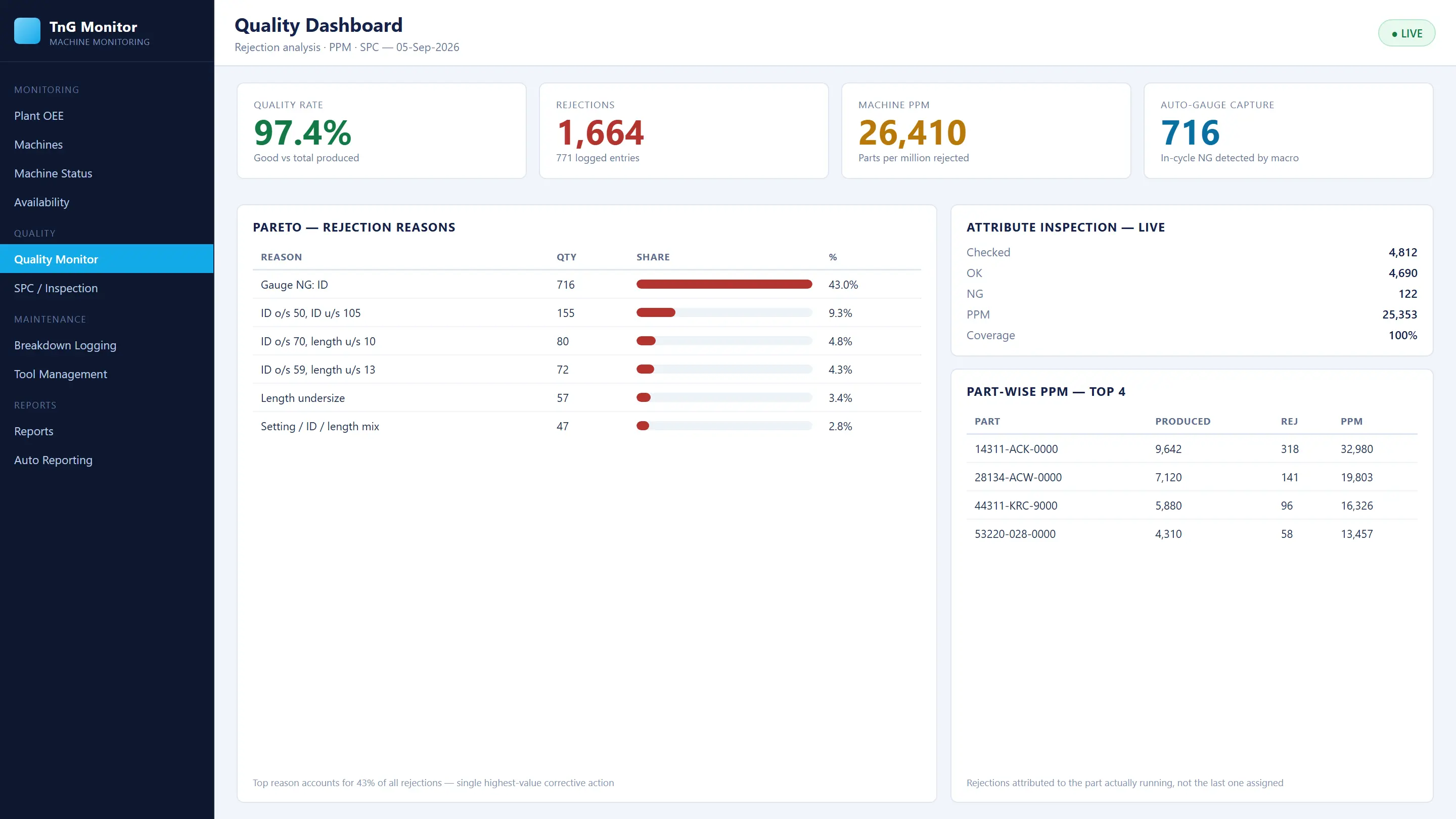
Connected Gauging
The quality module of TnG MMS. Digital gauge readings, SPC, GO / NO-GO attribute checks, rejection alerts, red-bin interlocking and automatic CNC offset correction in one dashboard.
View Connected Gauging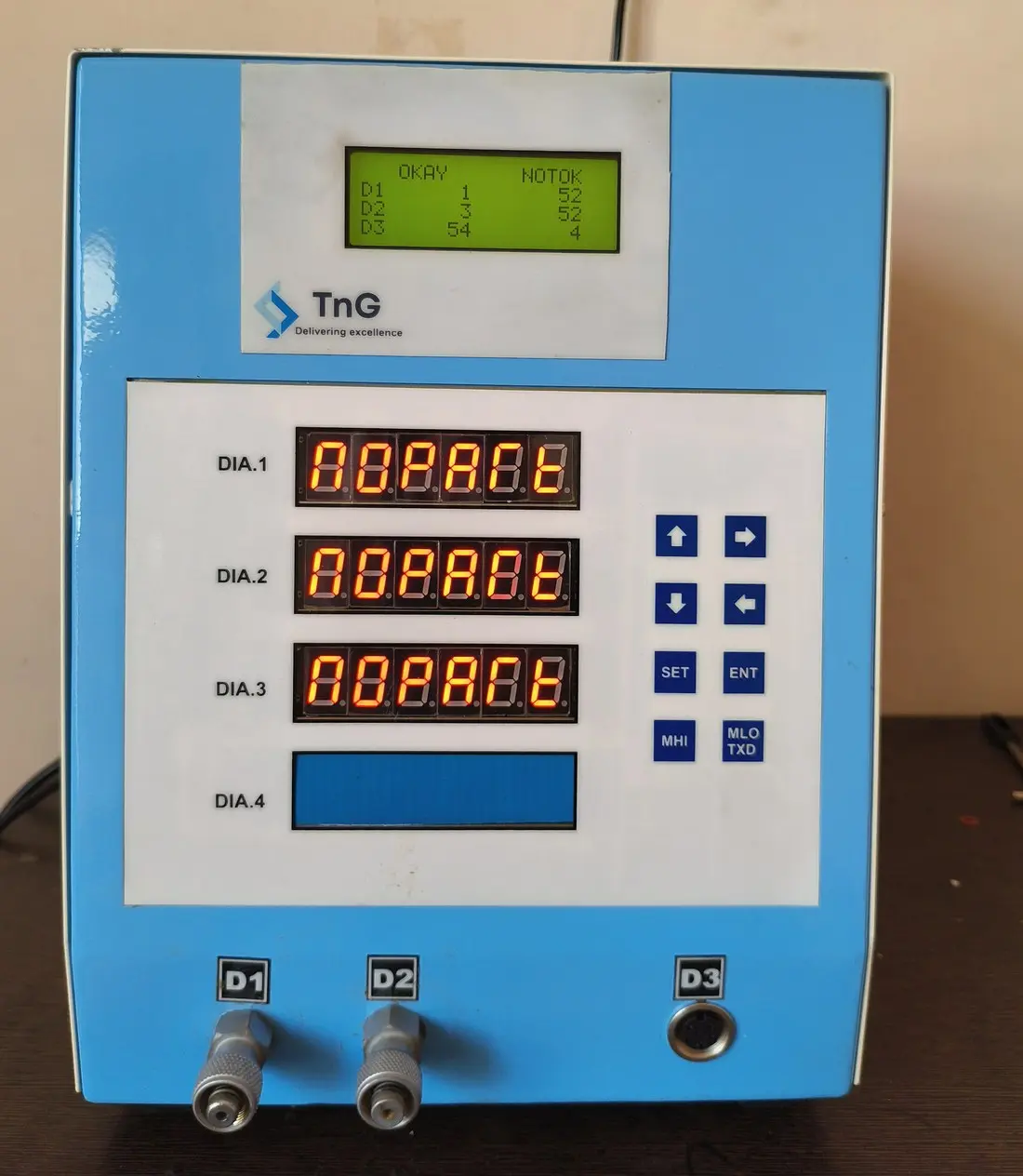
Digital Gauges
A range of TnG digital gauges for in-process inspection, from single-channel units to multi-channel piezo and probe combinations, with 7-segment LED and TFT display options.
View Digital Gauges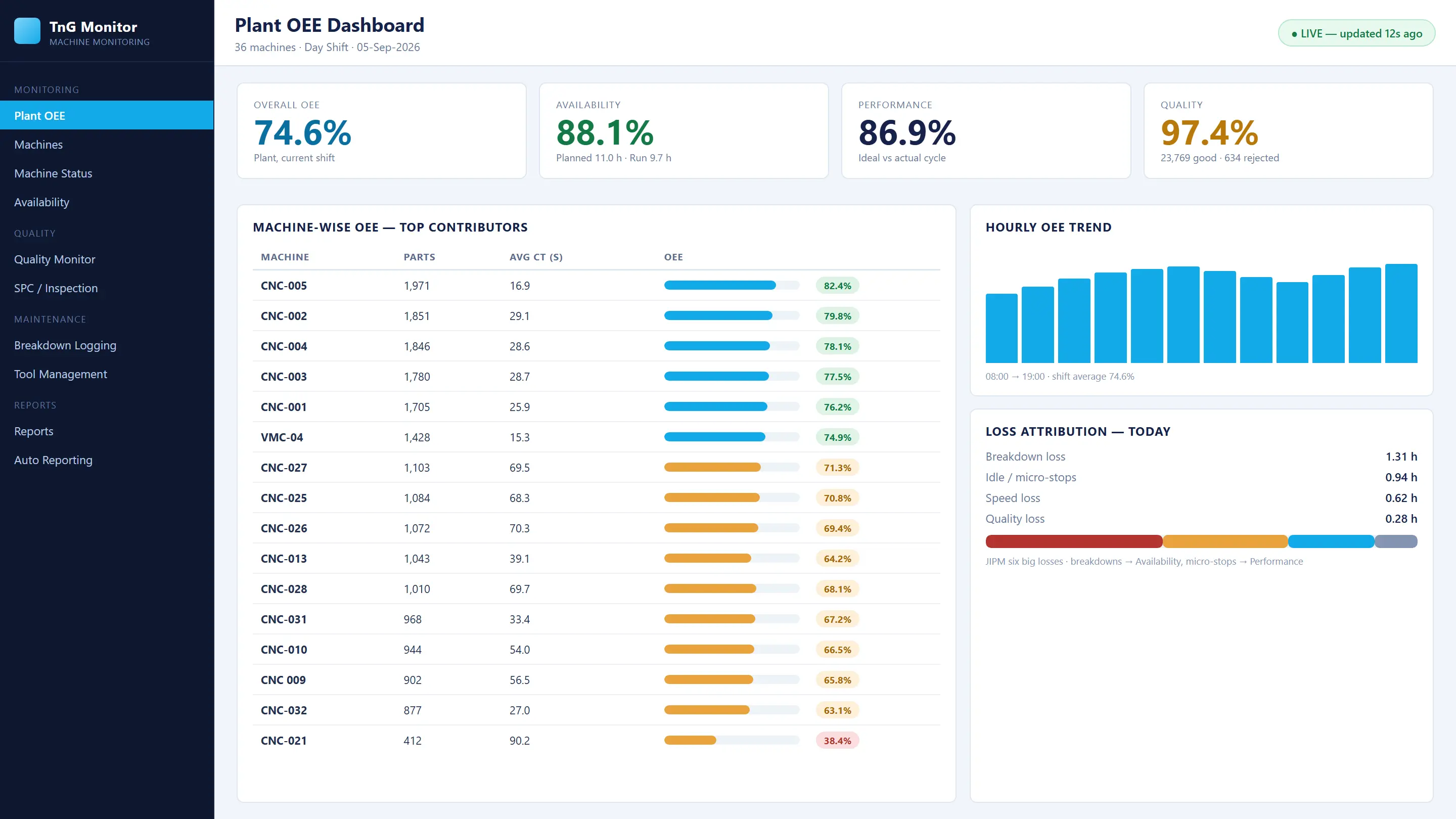
Machine Monitoring (MMS)
Real-time CNC monitoring with OEE, Andon, automatic breakdown records with reasons, part-wise production, quality/SPC, tool life and scheduled reports, on desktop, web and mobile.
View Machine Monitoring (MMS)